Scale Node-RED from prototype to production with centralized management and 24/7 reliability
Case Details
Installing Node-RED is straightforward. Install Node.js, run a command, and you’re ready for visual programming in industrial automation. The real challenge begins when it must run across production lines, connect to PLCs, and stay operational 24/7.
Production Requirements
Standalone Node-RED works great for testing, but production is different. When your flows control PLCs and critical equipment, downtime costs thousands per minute.
Hardware fails. Networks drop. Power cuts out. Your Node-RED instance must restart automatically, handle connectivity issues, and keep production running without manual intervention. Deploying, managing and scaling must be easy and quick in such environments.
Managing dozens of industrial PCs running Node-RED? You need centralized updates, secure remote access, proper backups, and role-based permissions. Your engineering team's months of flow development can't be lost to a hardware failure.
Production Node-RED needs enterprise reliability, security, and management capabilities that the basic installation simply can't provide.
FlowFuse for Production
FlowFuse makes Node-RED production-ready with centralized management across industrial infrastructure.
When hardware fails, FlowFuse keeps operations running through High Availability mode that distributes processing across multiple instances. Device Agents monitor system health and provide secure remote access for engineering teams.
Engineering teams get proper DevOps workflows that move flows through development, testing, and production with automated deployments. Device grouping makes updates reach thousands of devices possible while version control and rapid rollbacks keep projects on track.
Enterprise security comes built-in with single sign-on, role-based access control, comprehensive audit logging, and encrypted communications. Automated snapshots protect engineering work with rapid recovery when needed.
These core capabilities are just the foundation—FlowFuse includes dozens of additional features designed specifically for industrial environments.
Setting Up FlowFuse
Sign up for the 14-day trial at FlowFuse, and you can get started immediately.
Step 1: Add Remote Instance
Once the platform opens:
- Click on Remote Instances from the left sidebar
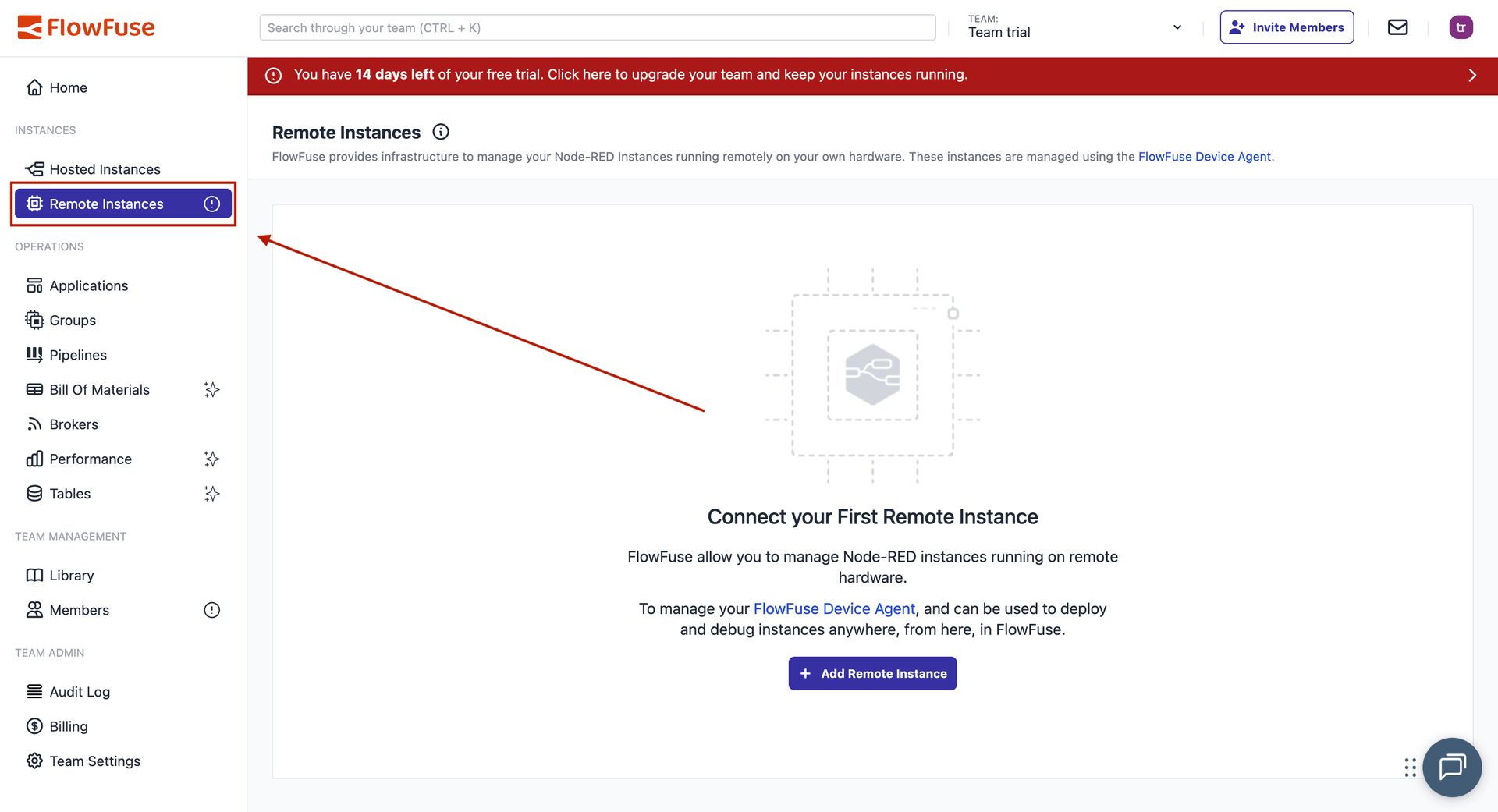
FlowFuse platform dashboard showing Remote Instances option
- Click Add Remote Instance
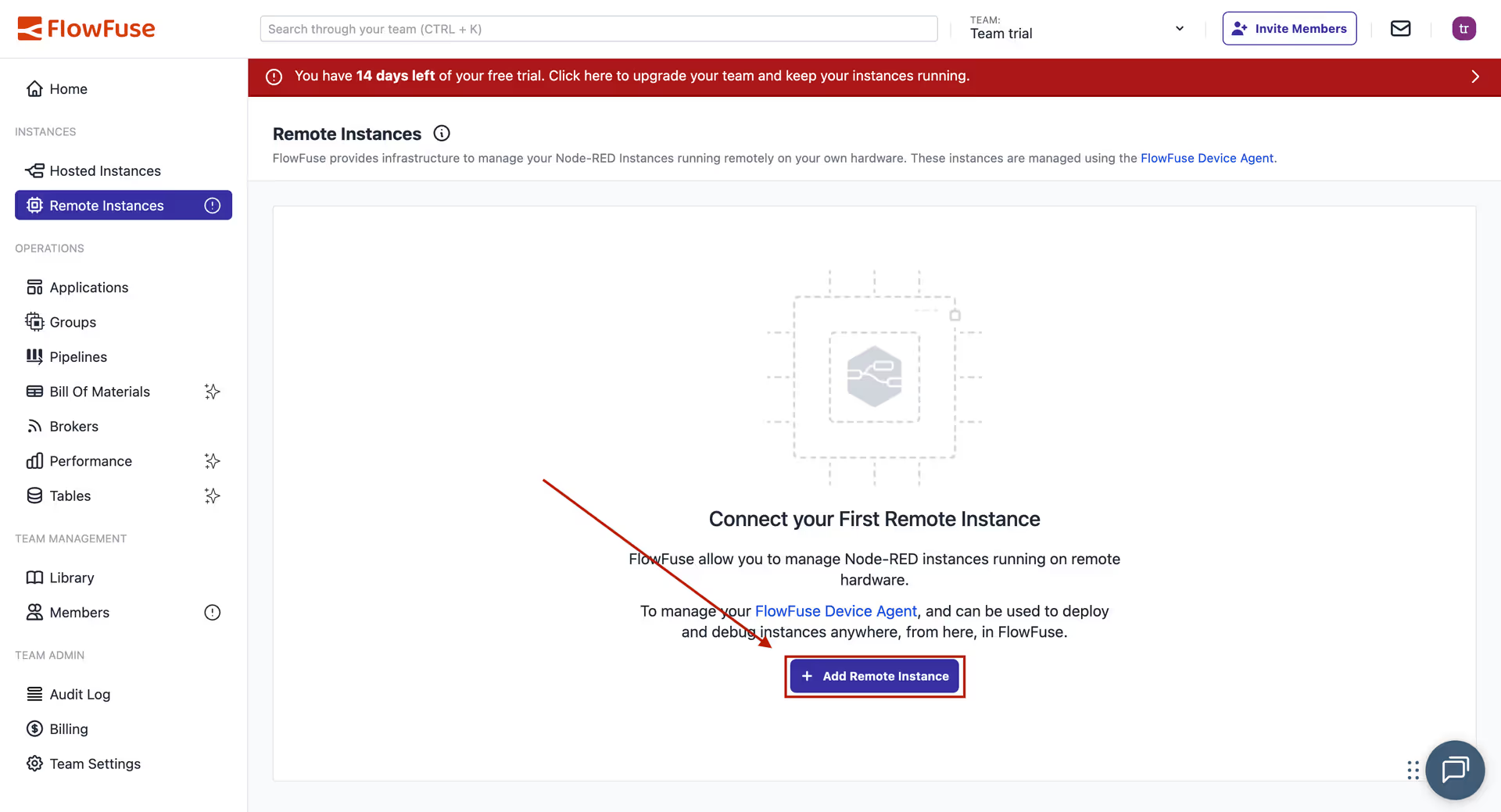
Button to add a new remote Node-RED instance
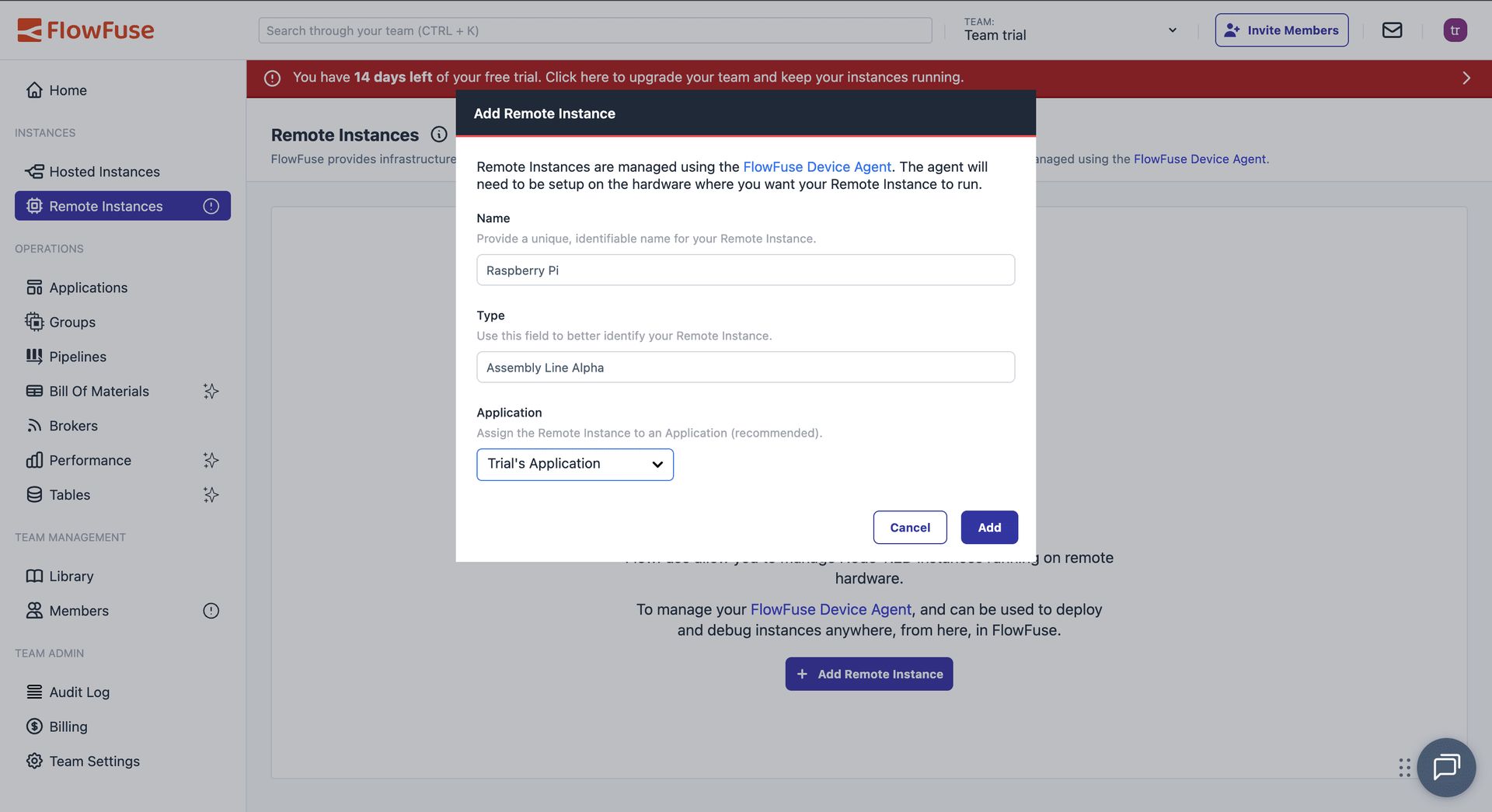
- Give it a name and select the device type
Configuring the remote device instance with name and type
- Select your application and click Add
Step 2: Install Device Agent
FlowFuse shows you a device configuration window with two options. The One-Line Install handles everything automatically. It installs Node.js if missing, installs the device agent, and registers your device with the platform.
The NPM Installation method provides manual instructions for Windows, Mac, or Linux.
Device configuration window showing installation options for the FlowFuse Device Agent
Follow the steps given within the window, which takes less than a minute to connect your device.
Step 3: Manage Your Device
Once registered, you get complete control over your remote Node-RED instance through FlowFuse's management interface:

Tools for managing Node-RED instance remotely via FlowFuse
There are even more features available at the application level and team level that you can explore. To remove infrastructure management complexity of required services such as MQTT and PostgreSQL, they are built-in and available for use.
Step 4: Start Building
To start building flows:
- Enable Developer Mode from the top right
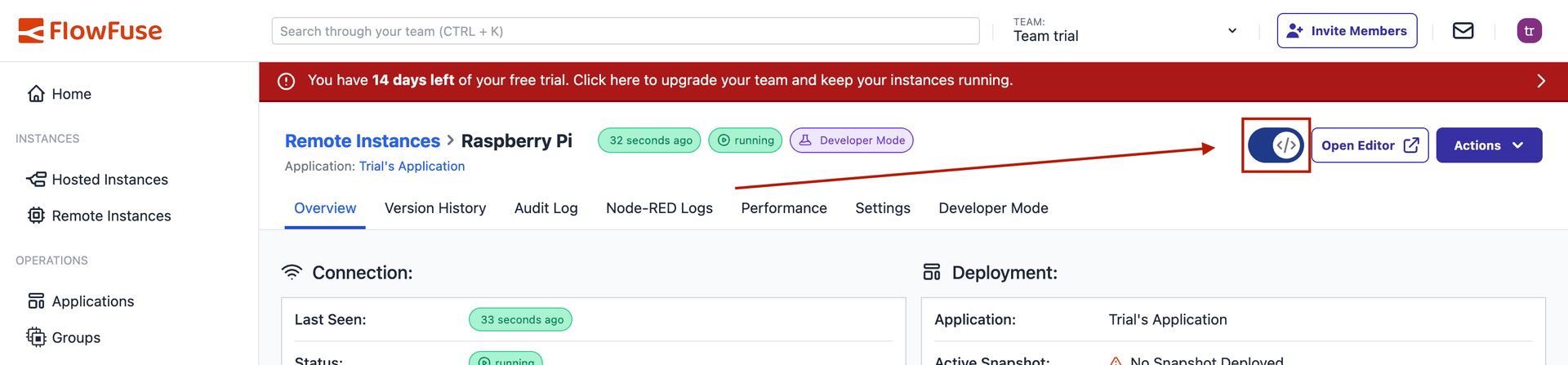
Developer Mode Option
- Click Open Editor
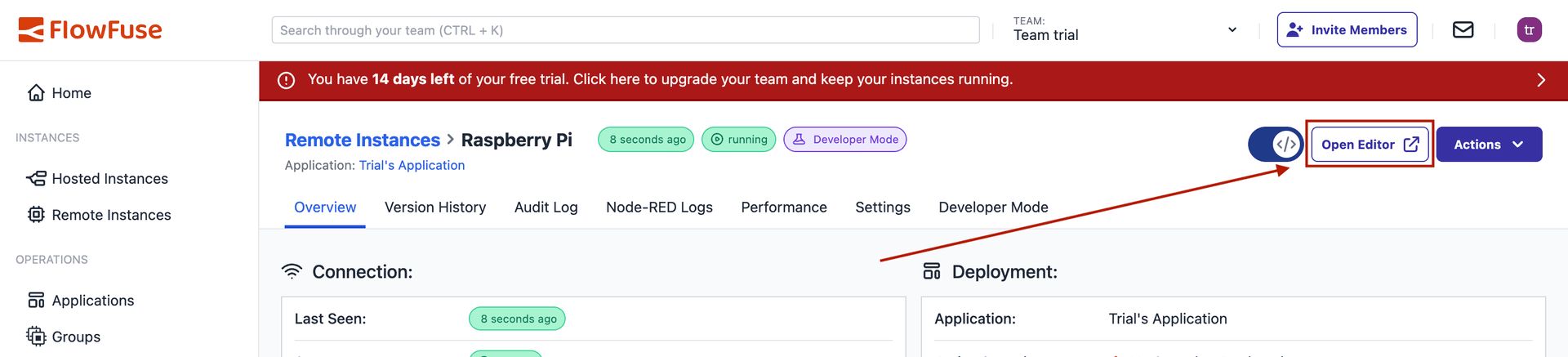
Open Editor Option
Your automation flows now run with production reliability. Remote access works securely, and your team can collaborate while production continues running.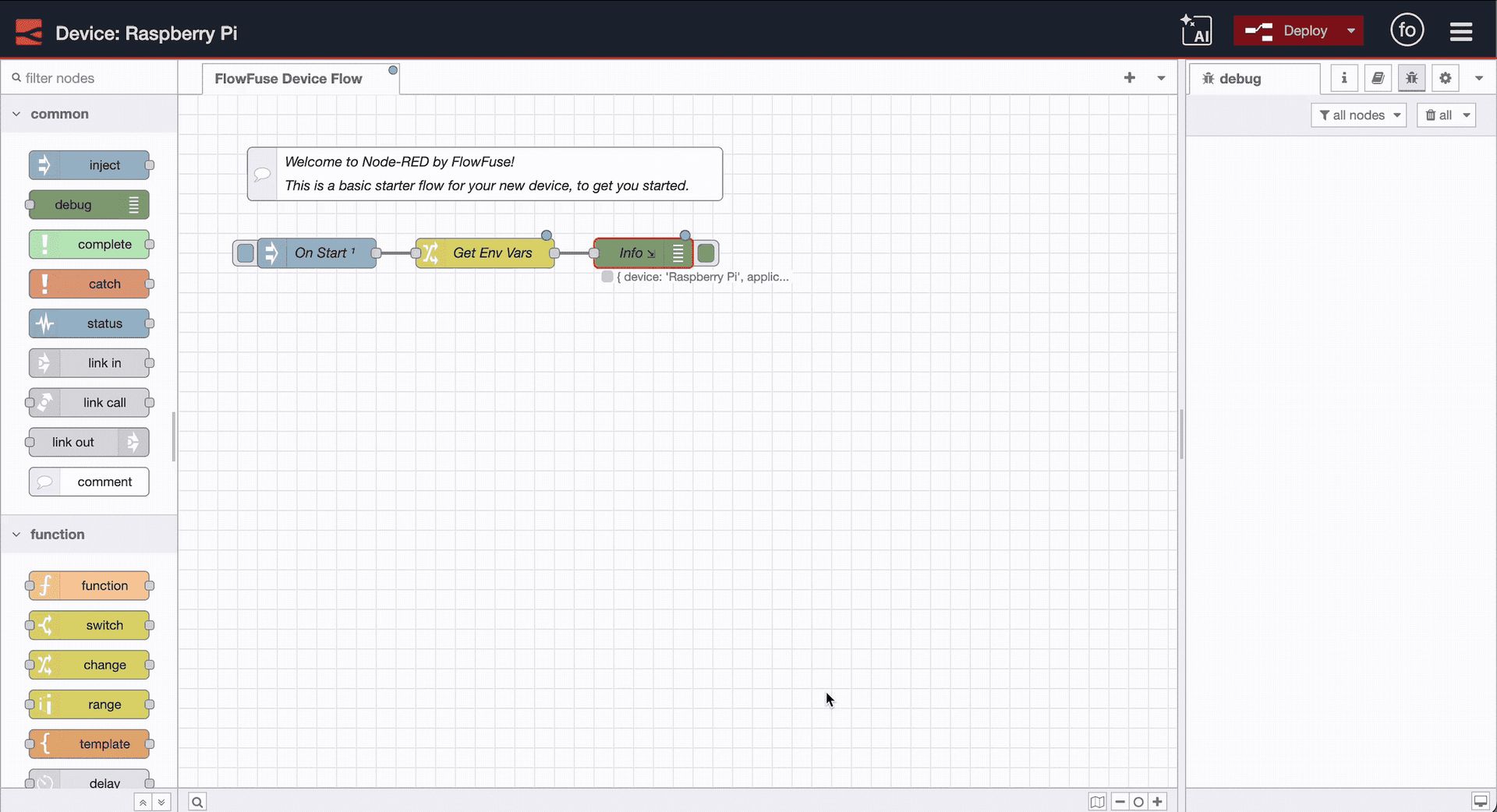
Node-RED Editor
Up Next
FlowFuse bridges the gap between Node-RED's simplicity and production reliability requirements.
Ready to see FlowFuse in action? Book a demo and we'll show you how it works with your setup.
Original article from Flowfuse: https://flowfuse.com/blog/2025/09/installing-node-red/
For more information please contact Mr. Sumit Shinde